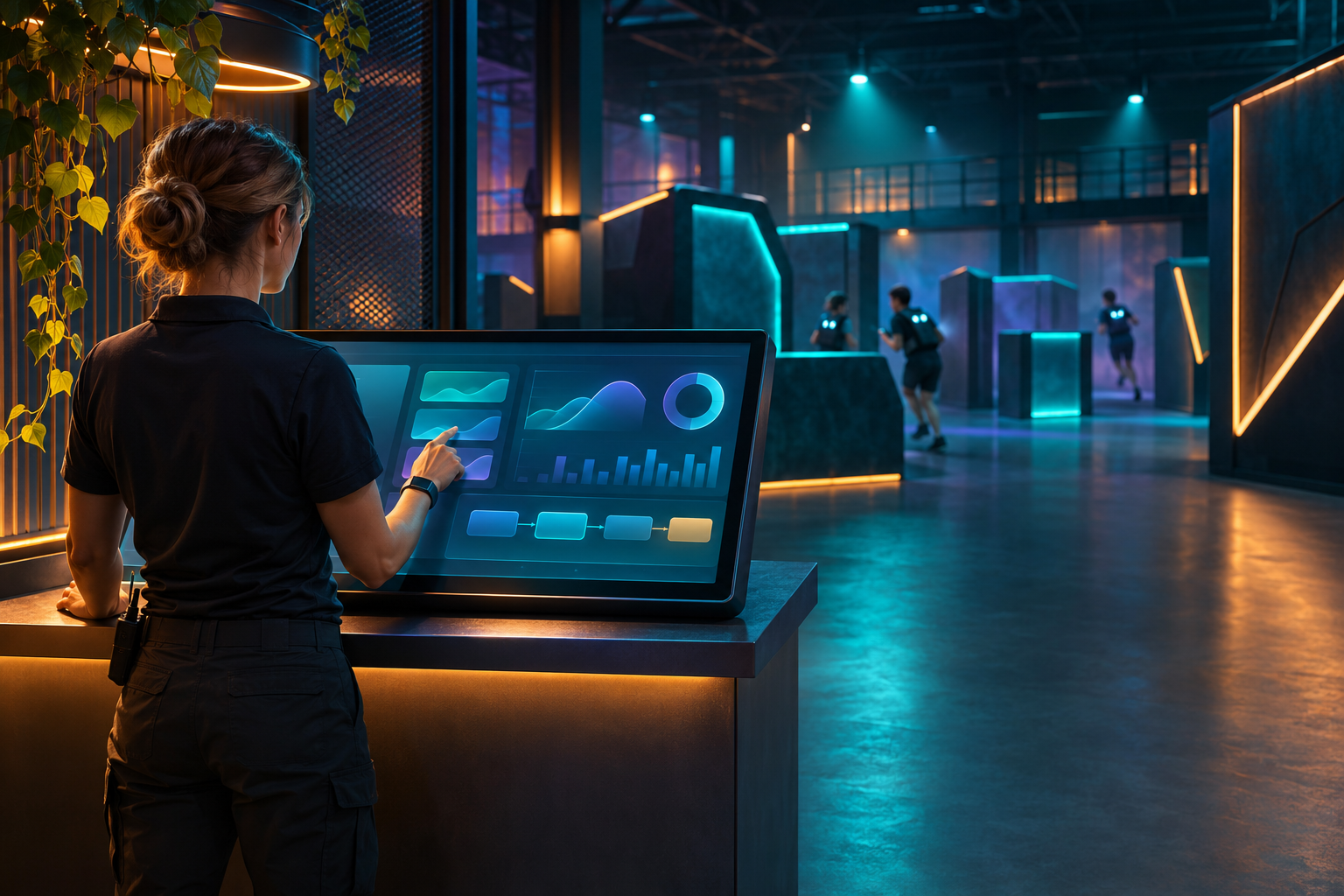
CYBERTAG presents its software as a tool for operating indoor laser tag arenas. Its official product page describes equipment and scenario setup, game control, an event window, and statistics. For an operator, a live demonstration can connect those functions into one complete cycle, from preparing players to reviewing the final report.
What to check during the demo
Ask the operator to create or edit a scenario, assign players to teams, start and stop a round, then show which events and final data are saved. Check report printing or export, user permissions, and the interface on your own computer. Ask for system and router requirements from the current documentation. Match them to the specific PC and software version you plan to use.
Compatibility and support
Agree separately on who installs the software, where updates come from, and whom to contact if it fails. If you plan to create scenarios, ask which settings can be changed and how to back up your work.
The official CYBERTAG FAQ says the equipment is not compatible with systems from other manufacturers. When expanding an existing fleet, obtain confirmation for the exact CYBERTAG models involved and test them together before buying.
Start with the official CYBERTAG software page and FAQ. Recheck the feature set and system requirements before purchasing because the online description may change.
Disclosure. TRUTNEE is affiliated with LASERWAR. CYBERTAG's official website says its software was developed by LASERWAR. The system features described here are based on the manufacturer's materials. Sources checked November 7, 2026.
Comments
To leave a comment, you need to log in. (log in / register)